 Grove
Build habits without the noise.
A calm habit tracker for Android. Flexible schedules, streaks and reminders you can answer from the notification. 100% free, no ads, for Android 7 and up.
Get it free on Google Play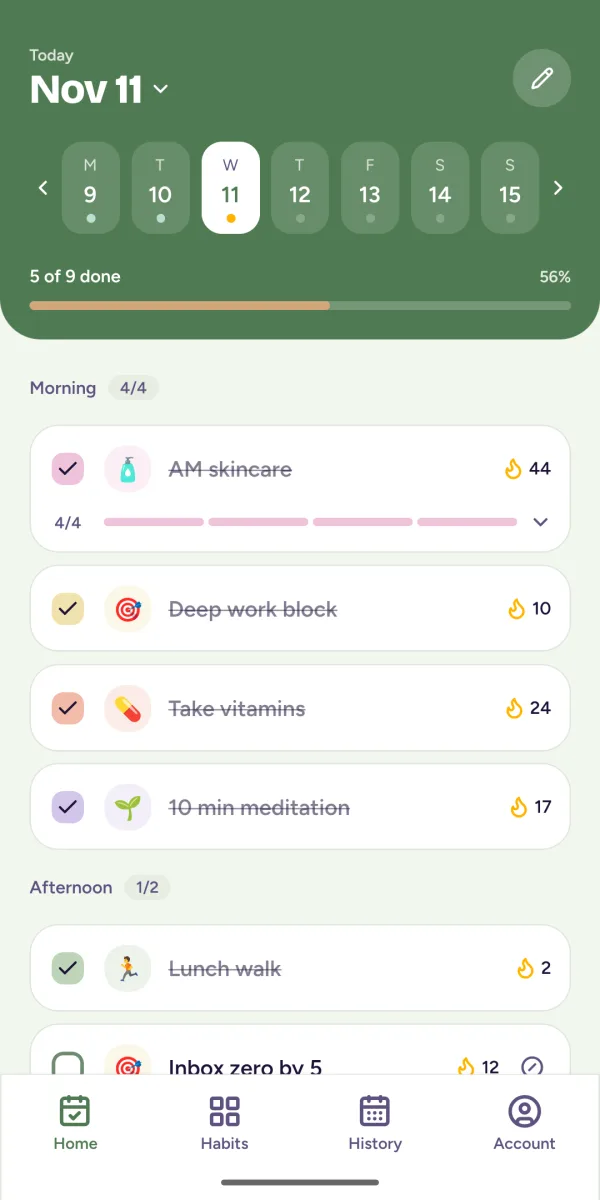
Habits that fit your life
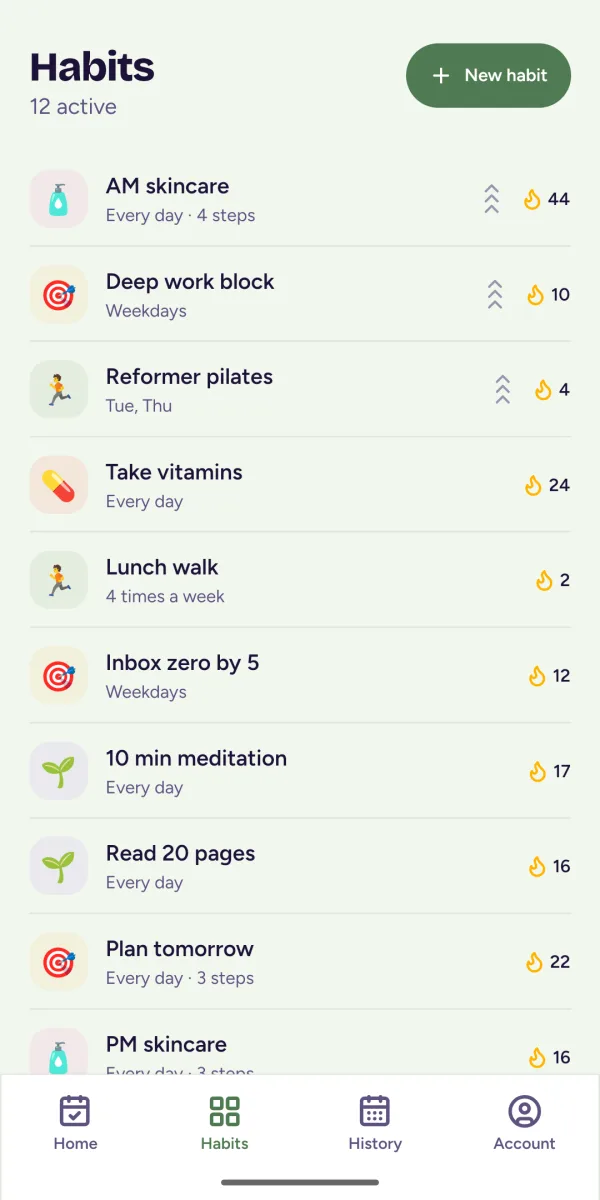
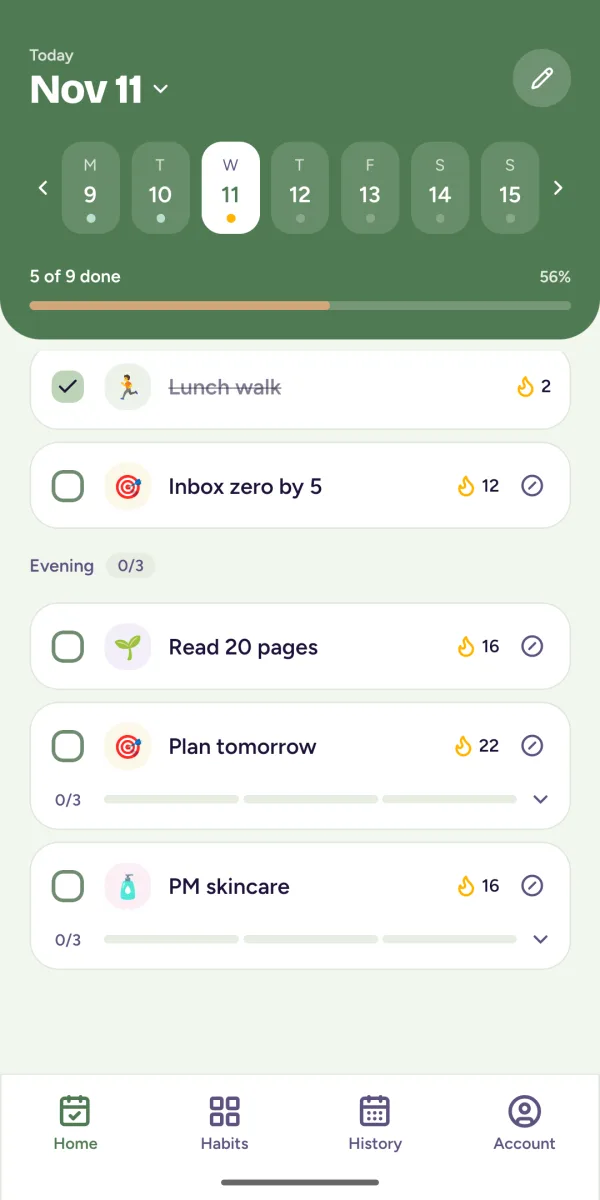
Repeat daily, on chosen weekdays, a few times a week or every few days. Mix one-tap habits, counters and checklists.
On your home screen
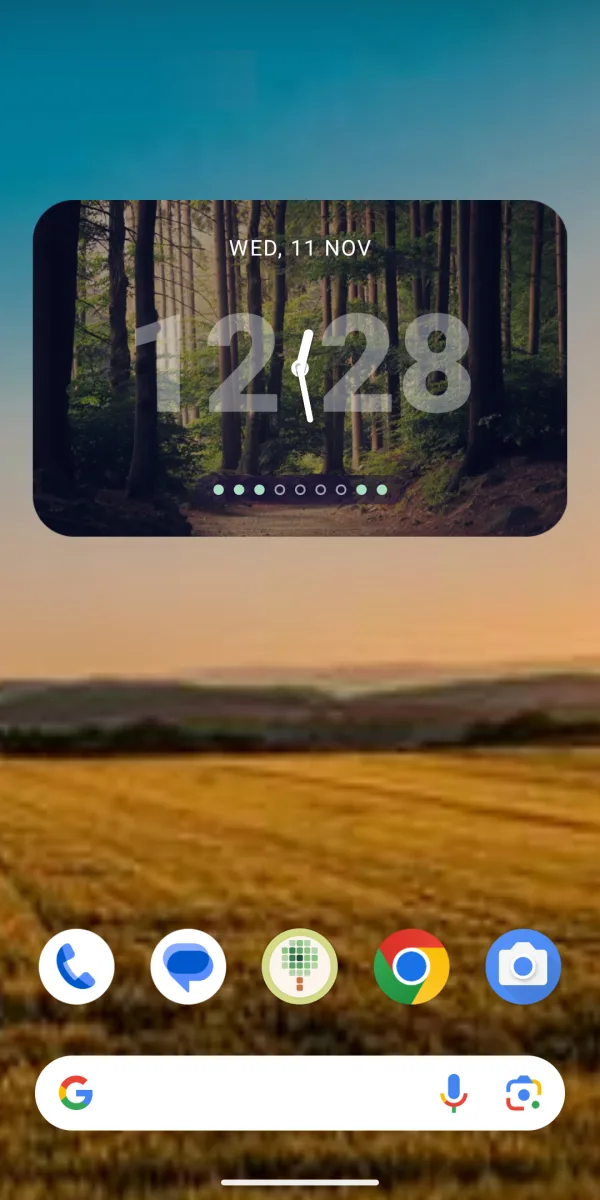
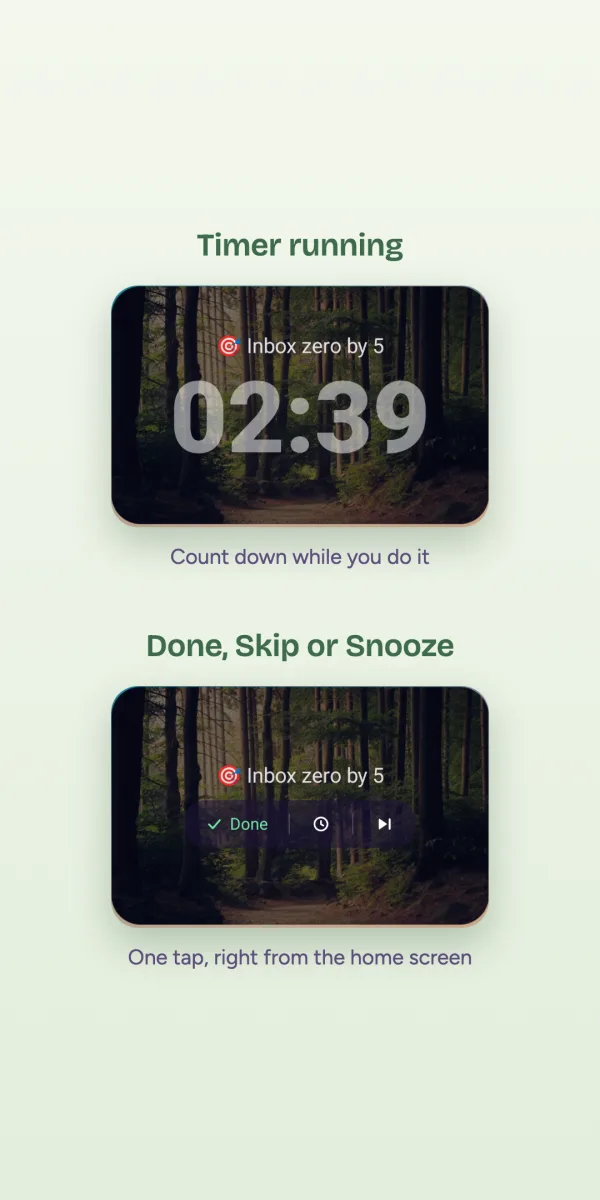
A clock widget counts down to your next task. Start the optional timer and it runs right on your home screen.
Gentle nudges
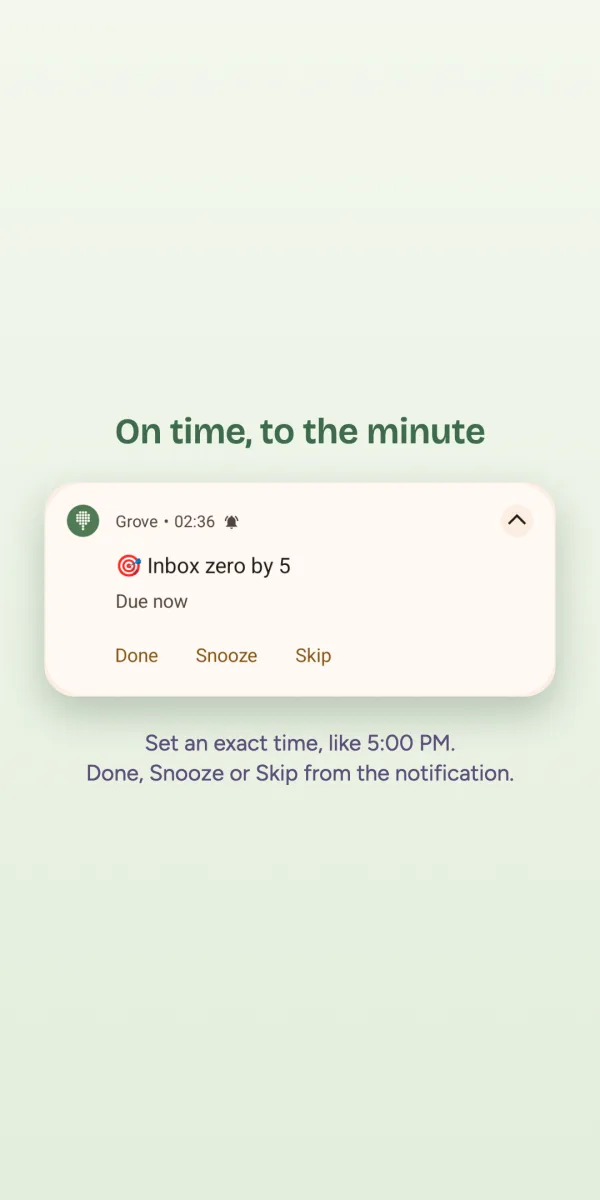
Reminders arrive with Done, Snooze and Skip buttons. Already did it? You will not be reminded.
See how you're doing
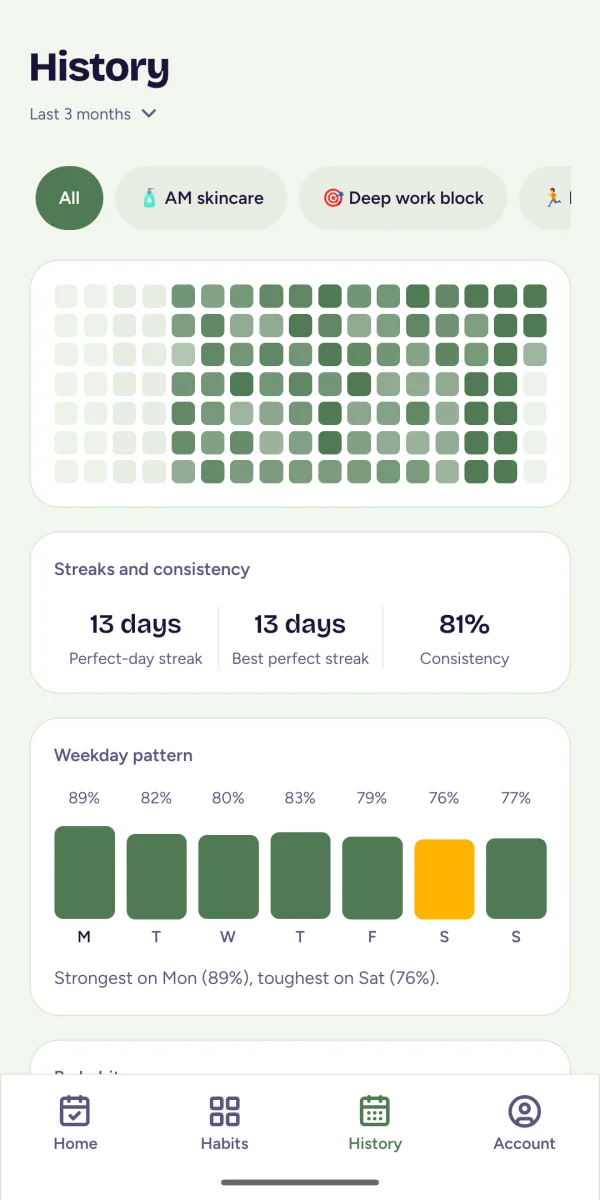
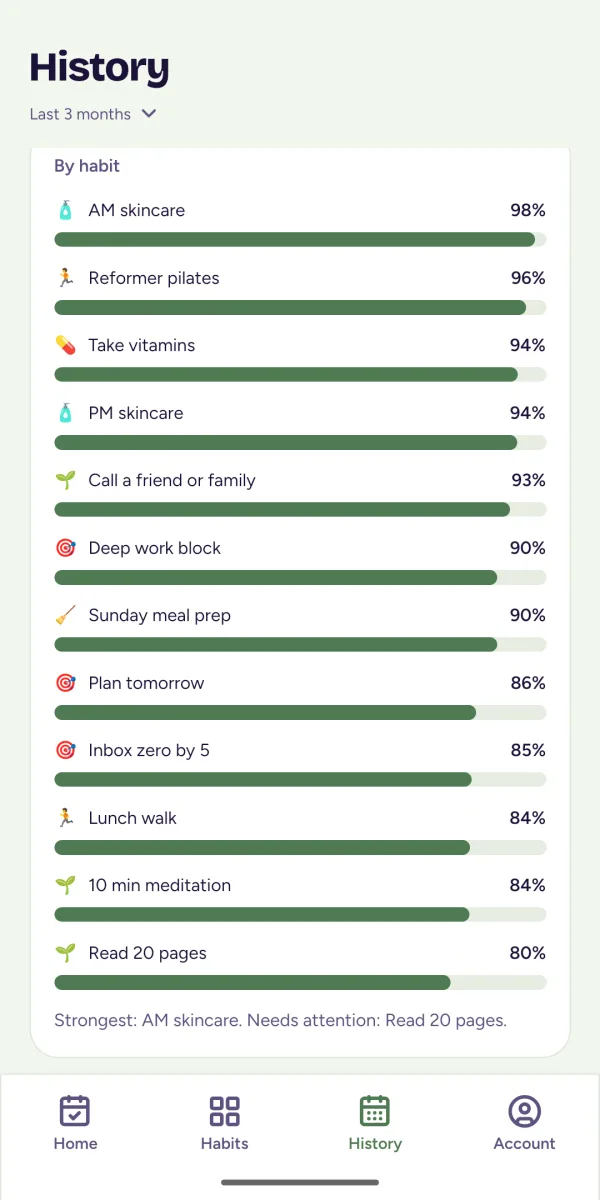
Streaks count by day or by week. A heatmap shows every habit at a glance.
Questions, answered
What is Grove?
Grove is a 100% free, calm habit tracker for Android. You build habits with flexible schedules, tick them off from your home screen, and see your streaks and history. It needs no account, shows no ads, works offline, and keeps all your data on your phone.
Is Grove free?
Yes. Grove is 100% free to download and use, with no ads.
Do I need an account to use Grove?
No. There is no sign-up or login. Open the app and start adding habits.
Where is my data stored?
Only on your phone. Your habits, check-ins and settings are saved in a database on your device and are never uploaded anywhere, so nobody else can see them.
Does Grove work offline?
Yes. Because everything is stored on your phone, Grove works fully without an internet connection.
Which devices does Grove support?
Grove is an Android app and works on Android 7.0 and newer. There is no iPhone version.
How do I back up or move my habits?
In Account, then Backup, you can export your habits as a JSON file and import it again later or on another phone. Grove also keeps its last few backups on your device and offers to restore the newest one after a reinstall. You can pick a backup folder such as Documents or an SD card, and those copies survive an uninstall on every phone.
Does Grove have a home-screen widget?
Yes. The clock widget shows the time, counts down to your next due habit, and can run a task timer.
What permissions does Grove need?
Notifications, so it can show your reminders, and optionally the Alarms and reminders permission so reminders fire at the exact minute. It does not use your location, contacts, camera or microphone.
What kinds of habits can I track?
Simple one-tap habits, counters such as eight glasses of water, and checklists for routines such as a night routine. Schedules can be daily, on chosen weekdays, a number of times a week, or every few days.
Yours, and only yours
Your habits stay on your phone. No account, no ads, no one else watching.
Get it free on Google Play